aTMSremote1.2.1
Publisher Description
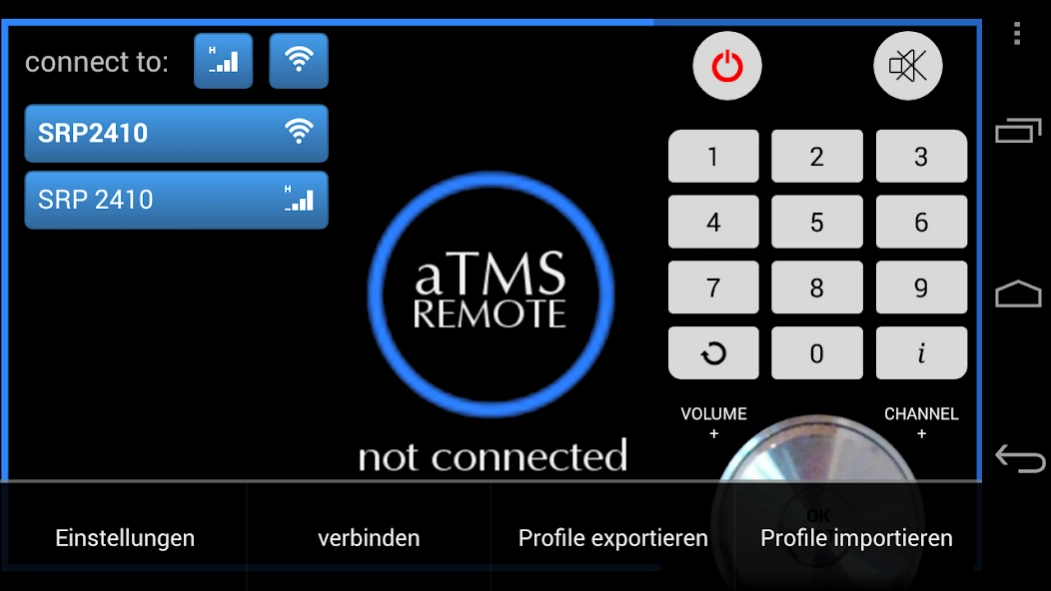
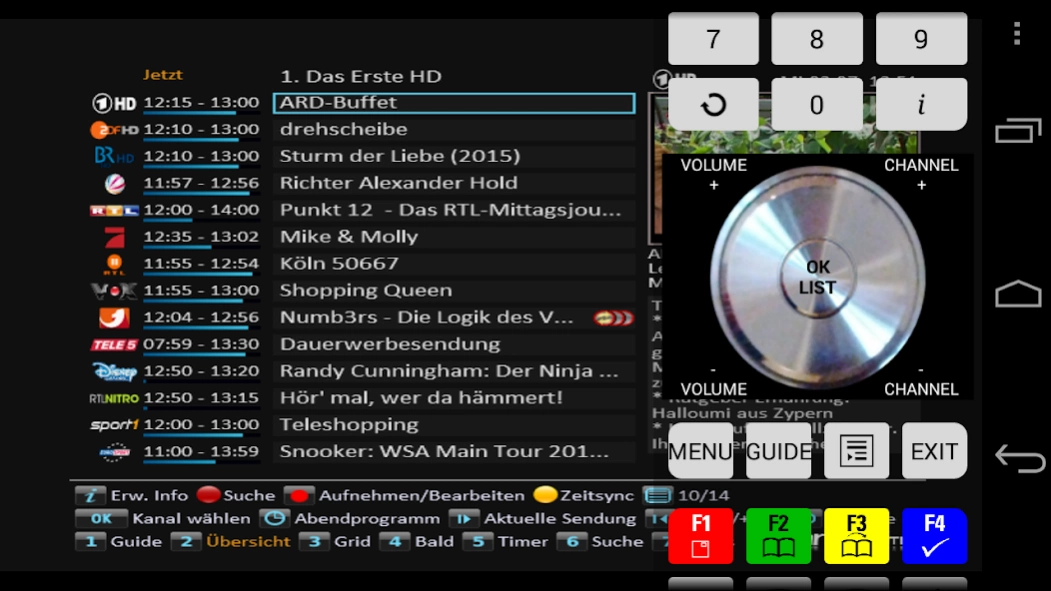
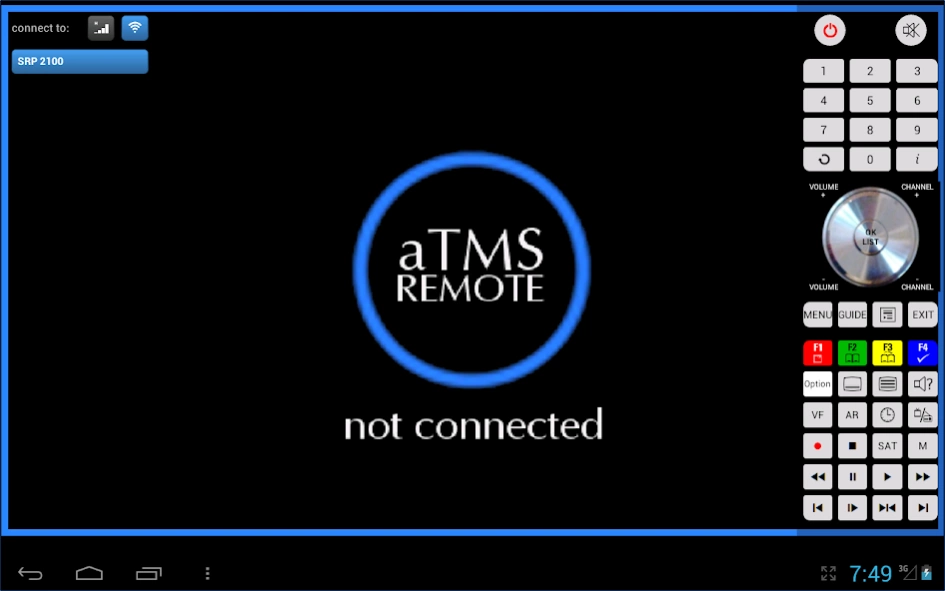
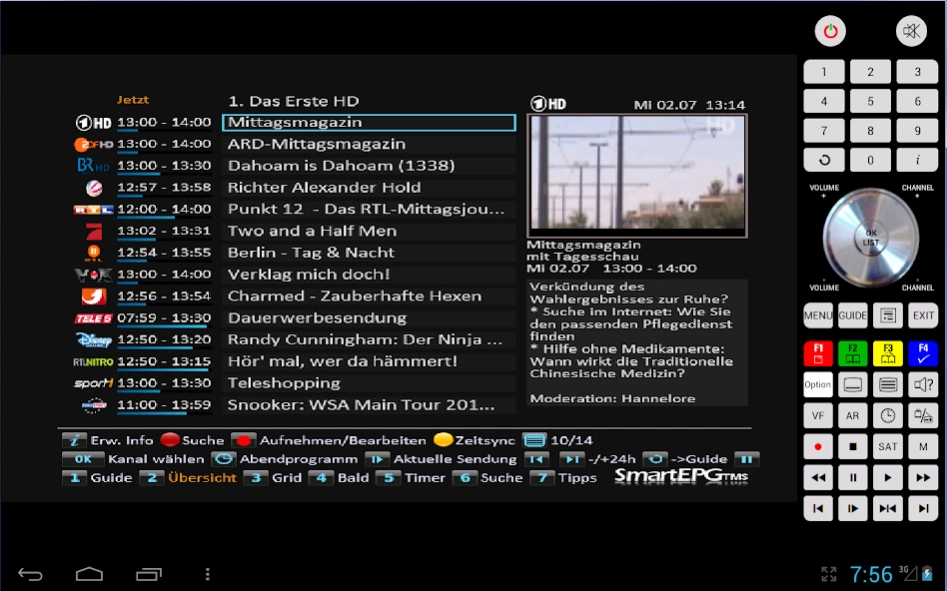
aTMSremote is an Android client for the TAP "TMSRemote" on Topfield PVRs.
aTMSremote is an Android client for the TAP "TMSRemote" on Topfield PVRs.
With aTMSremote you are able to control your PVR remotely. The server TAP "TMSRemote" accesses the PVR's on screen display which can then be viewed on your Android device using aTMSremote. This gives you direct feedback to the commands send with the virtual remote control.
First you have to set up a connection profile in settings. Enter the IP address of your PVR, the TMSRemote password, the control codes corresponding to your PVR and your favourite remote control layout.
After setup is complete, you will have a new button on the start screen to connect to the TMSRemote TAP on your PVR.
Features:
* You can zoom and move the display with your fingers. A doubletap resizes to 2x, or resets it to the initial position and size.
* Connection profiles can be marked with types "LAN" and/or "WAN". The start buttons can also be filtered using these types.
* DirectMode allows direct keyboard input for compatible TAPs.
* Screen shots of OSD, TV picture or both.
* Import and export of profiles.
* Switch on your PVR via TFIR hardware box.
About aTMSremote
The company that develops aTMSremote is jkit. The latest version released by its developer is 1.2.1. This app was rated by 1 users of our site and has an average rating of 3.0.
To install aTMSremote on your Android device, just click the green Continue To App button above to start the installation process. The app is listed on our website since 2018-09-30 and was downloaded 93 times. We have already checked if the download link is safe, however for your own protection we recommend that you scan the downloaded app with your antivirus. Your antivirus may detect the aTMSremote as malware as malware if the download link to jkit.aTMSremote is broken.
How to install aTMSremote on your Android device:
- Click on the Continue To App button on our website. This will redirect you to Google Play.
- Once the aTMSremote is shown in the Google Play listing of your Android device, you can start its download and installation. Tap on the Install button located below the search bar and to the right of the app icon.
- A pop-up window with the permissions required by aTMSremote will be shown. Click on Accept to continue the process.
- aTMSremote will be downloaded onto your device, displaying a progress. Once the download completes, the installation will start and you'll get a notification after the installation is finished.
Program Details
System requirements
Download information
Pricing
Version History
version 1.2.1
posted on 2018-09-30
The menu button on the remote control is now visible by default.
version 1.2
posted on 2015-01-19
Version 1.2,new: longpress RCU button functionality,fix: enter empty password,new: menu item "clear TV screen",new: ability to cancel connection establishment,upd: improved OSD transparency,new: Mode 6 RCU code for CRP 2401 CI+ Conax / TRF 7260 plus,new: Option, to display an Android menu button on the RCU layouts.
